YubiKey Passkey Enabler Overview
The YubiKey Passkey Enabler is a software application that improves the FIDO2 experience with hardware security keys on Android devices. As a passkey provider service, the app seamlessly integrates into passkey registration and authentication flows within WebAuthn-enabled applications.
The YubiKey Passkey Enabler provides support for:
- communication with security keys over USB and NFC connections
- PIN operations
- fingerprint biometric operations
- security key interaction
With the app’s guided user interaction prompts and status messages throughout the passkey flow, you can use your FIDO2 security key with confidence on your Android device.
Getting started
To use the YubiKey Passkey Enabler, you must have a compatible security key, Android device, and WebAuthn-enabled app (such as a browser). To perform passkey registration and/or authentication on a website within a WebAuthn-enabled browser, the website itself must also be WebAuthn-enabled. See Platforms and Requirements for more information.
Once the requirements have been satisfied, download and install the app from the Google Play Store. Next, configure your Android device to use the YubiKey Passkey Enabler as a passkey provider service.
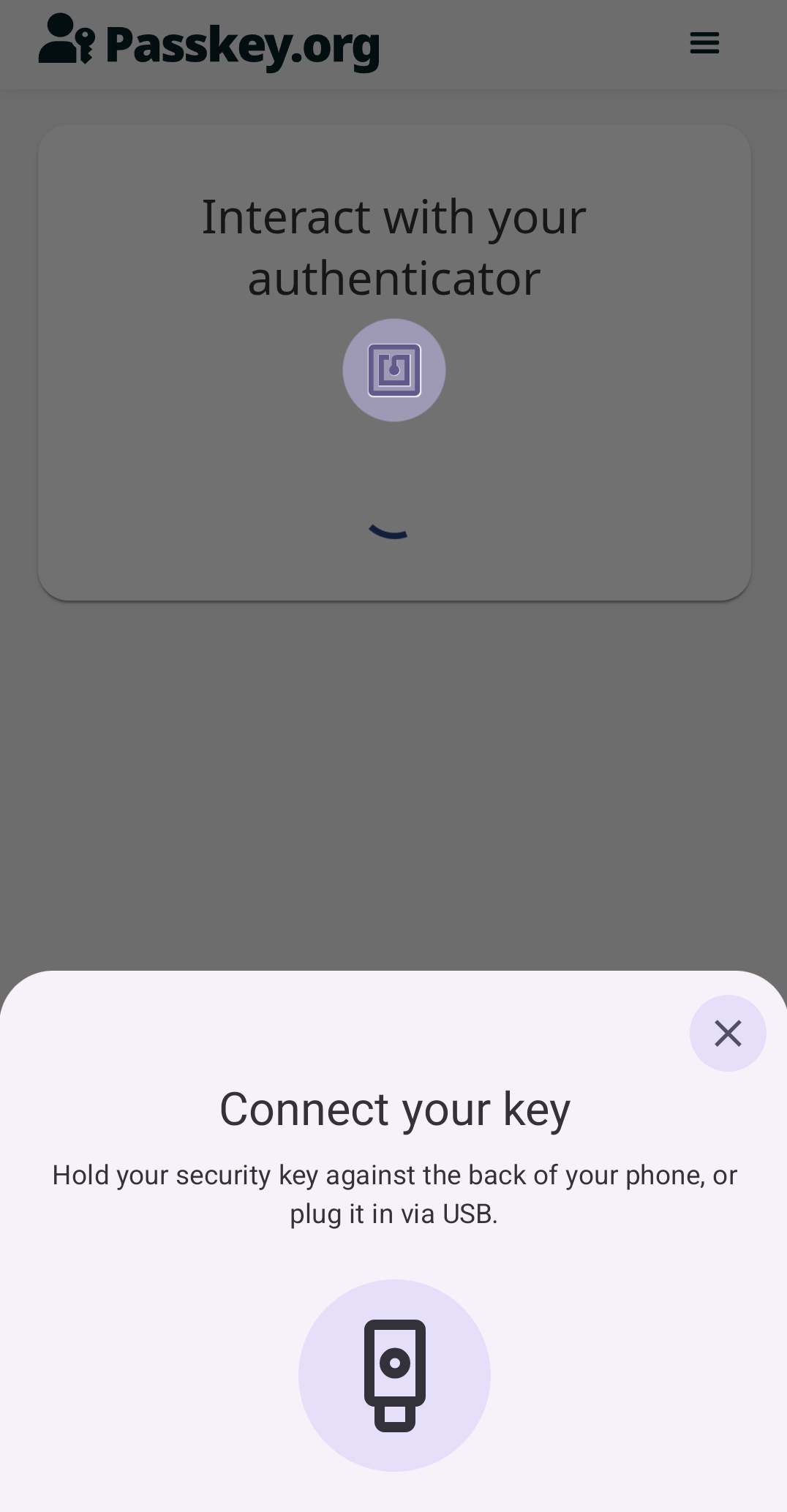
After configuration, you can use the YubiKey Passkey Enabler for passkey registration and authentication flows. For information on how to select and interact with the app during these flows, see Using the YubiKey Passkey Enabler App.
If you run into issues, check the Troubleshooting chapter for possible solutions. The home screen of the YubiKey Passkey Enabler also displays some device information when connecting your security key, which can be helpful when debugging.